Purchase invoice
The purchase invoice is what you owe the vendor. It enters their balance and VAT, and is paid on the bank statement. The menu is .
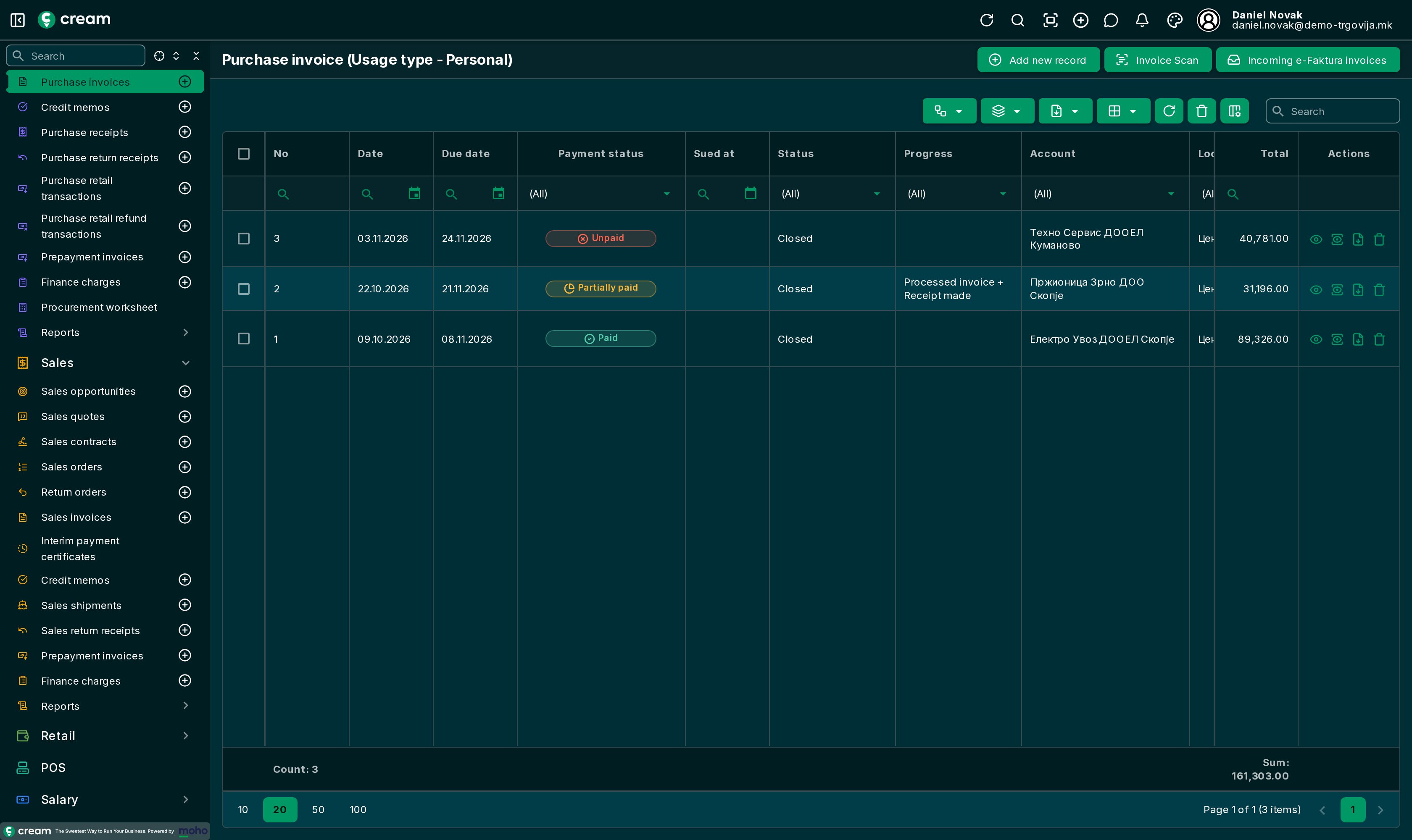
How it's made
- From a purchase order or a purchase receipt, with Make an invoice – it's processed right away.
- Directly, with Add new record.
- From the vendor's invoice, with Invoice Scan or from Incoming e-Faktura invoices: Faster invoice entry.
- One invoice for several receipts, with Batch invoice from the receipt list: Faster invoice entry.
- From a prepayment invoice, with Actions > Purchase invoice.
The invoice carries the number, date and amount of the vendor's invoice in External document. The amount may not differ from the total by more than 1%, and the same vendor invoice can't be processed twice in a year: Overview.
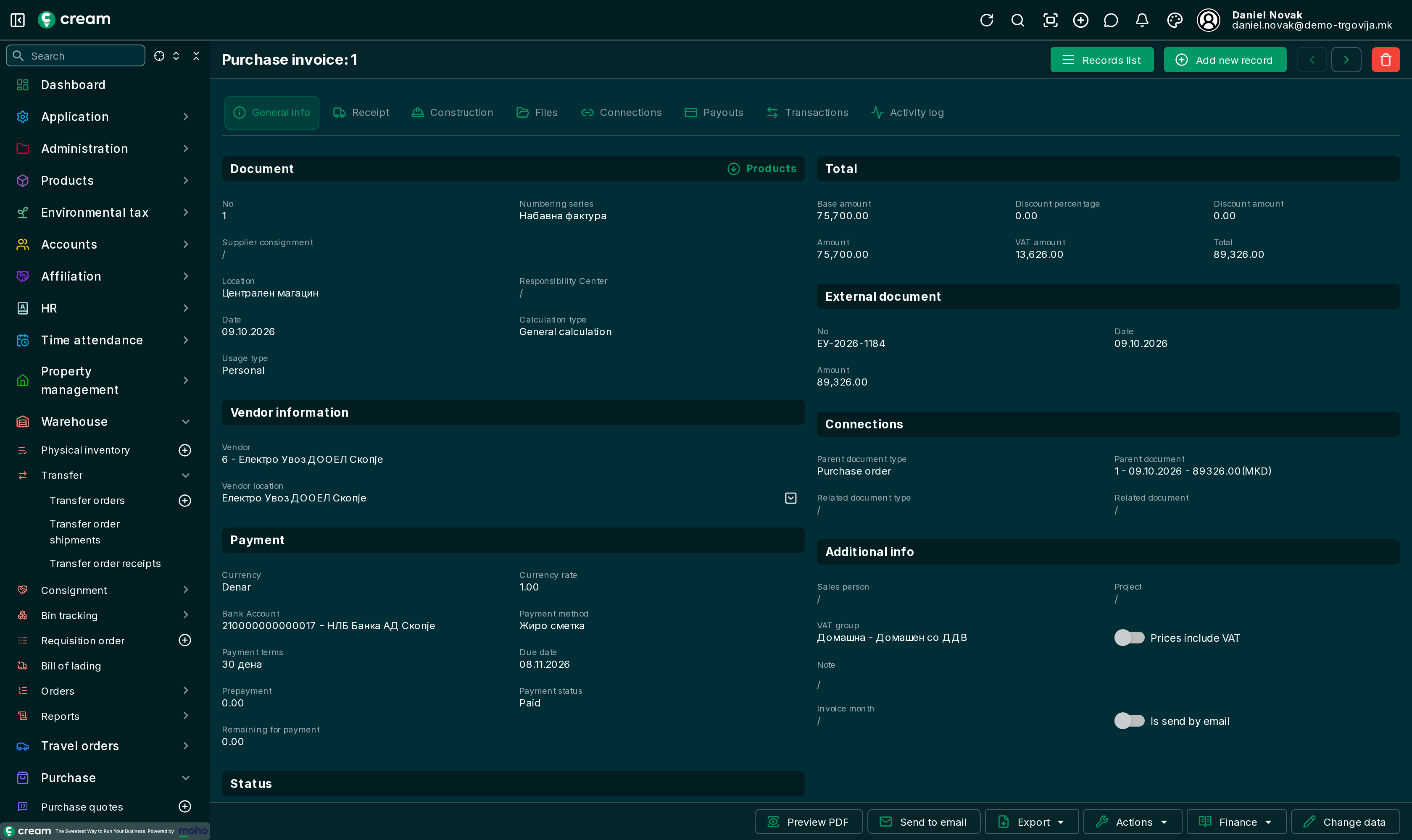
Form
In the Payment section, Payment status and Remaining for payment show how much is paid; the Payouts and Transactions tabs show the payments. The other tabs: Document list and form.
Statuses
| Status | Meaning |
|---|---|
| Draft, In progress, Pending Approval, Approved | A direct invoice before processing. |
| Processed | In the vendor's balance; the goods aren't received yet. |
| Processed(Waiting for delivery) | The receipt is waiting. |
| Closed | Processed and all goods received, or an invoice without goods. |
| Posted | Posted to the general ledger through a posting journal. |
| Canceled, Reversed | Not valid. |
Invoices with Calculation type Foreign trade calculation (imports) also go through Waiting for calculation; they are described separately.
Next status and Next progress
A direct invoice is approved with Next status, then with Next progress:
| Action | What it does |
|---|---|
| Process invoice | The invoice enters the vendor's balance. |
| Process invoice + Make a receipt | The goods are received too: Purchase receipt. |
| Process invoice + Make a receipt(Wait for delivery) | The invoice is processed, the goods wait to be received. |
| Make a receipt, Make a receipt(Wait for delivery) | A receipt for a processed invoice without one. |
Actions and Finance
| Action | What it does |
|---|---|
| Price correction | A credit memo for an extra discount, without returning goods. |
| Purchase credit memo | A credit memo for the selected lines, no goods move. |
| Purchase credit memo + Purchase return receipt | A credit memo and the goods returned. |
| Transfer to location, Transfer from location | A transfer order with the selected lines. |
| Generate sales document | A sales invoice for a customer with the same lines. |
| Clone | A new invoice in draft with the same lines. |
| Reverse purchase invoice | Correction and reversal. |
The first five are described in Corrections, returns and transfers. Finance opens Payouts and the ledgers – account, VAT, product, service, voucher, deposit and virtual item: Postings and bank orders. Export also has Bank order export.