Purchase prepayment invoice
The prepayment invoice is the invoice the vendor issues for an advance – money paid before delivery. Typically: an order is paid in advance and the goods can't be delivered yet, so the prepayment invoice for what was paid is made from the order. The menu is .
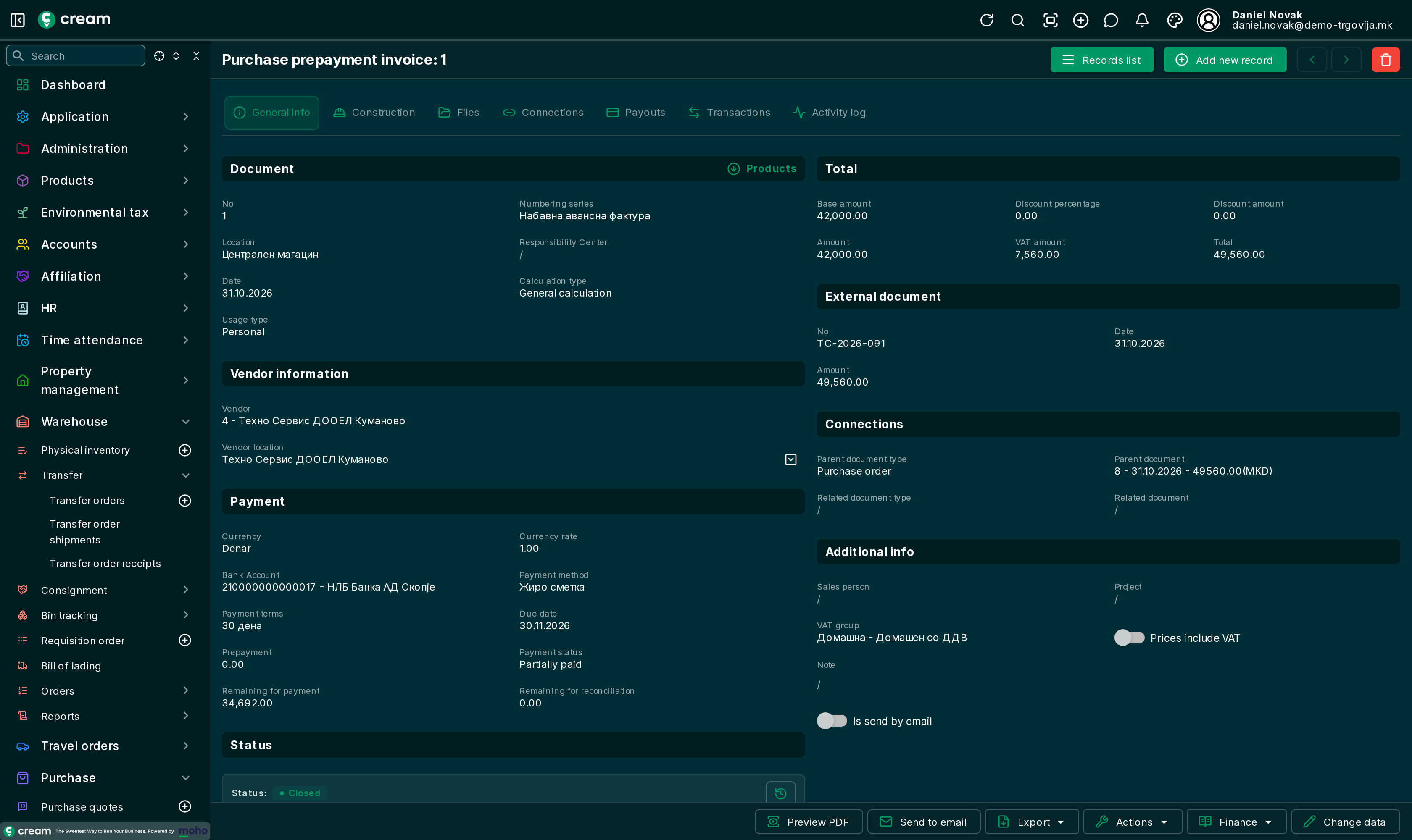
How it's made
From an order with a paid advance
- The purchase order is Approved.
- The advance is paid on the bank statement, with a vendor line whose Document type is Purchase order and Document is that order: Paying vendors.
- On the order, Actions > Purchase prepayment invoice. Pick a numbering series and confirm.
The app makes a prepayment invoice with the order's lines, processes and closes it, and moves the advance paid for the order onto it. It becomes Partially paid by the amount of the advance. The action is available only when the approved order has an advance paid on it that isn't used yet.
Directly
With Add new record; it's approved and processed with Next progress > Process.
Statuses
| Status | Meaning |
|---|---|
| Draft, In progress, Pending Approval, Approved | A direct prepayment invoice before processing. |
| Closed | Processed. |
| Posted | Posted to the general ledger. |
| Canceled, Reversed | Not valid. |
Actions and Finance
- Actions: Purchase invoice – the final invoice from the prepayment invoice, when it's closed, has a paid amount not used yet and wasn't made from an order; Transfer to location, Transfer from location, Clone and Reverse purchase prepayment invoice.
- Finance: Payouts and the ledgers – account, VAT, product, service, voucher, deposit and virtual item.