Purchase quote
The purchase quote is the offer you get from the vendor: prices and quantities before you order. An order or a contract is made from it. The menu is .
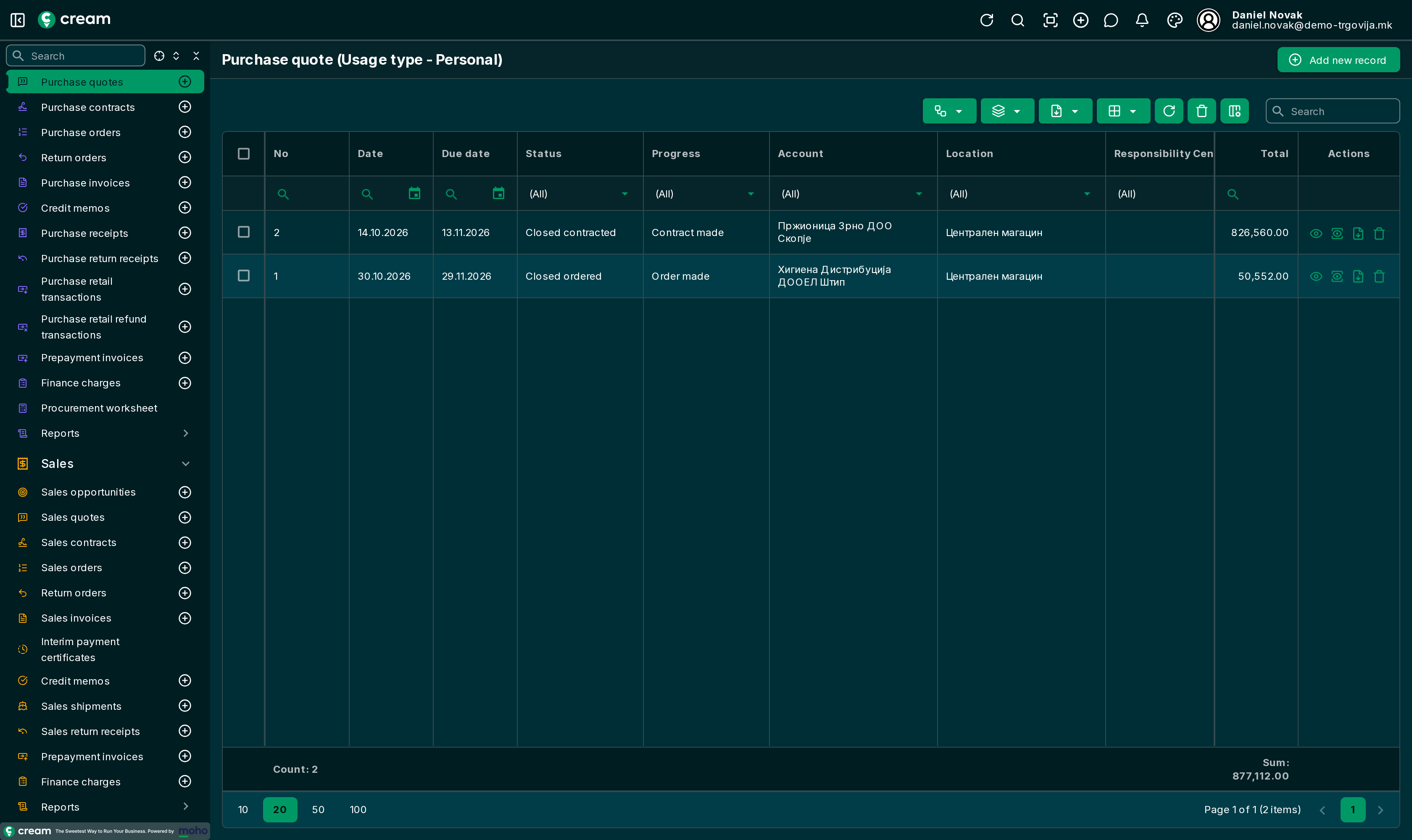
How it's made
With Add new record: vendor, External document (the number, date and amount of the vendor's quote) and Products: Entering products. The list, form and tabs are as on every purchase document: Document list and form.
Statuses
| Status | Meaning |
|---|---|
| Draft | Being entered. |
| In progress, Pending Approval | Waiting for approval, when approval goes in steps. |
| Approved | Accepted; an order or contract is made from it. |
| Closed ordered | An order was made. |
| Closed contracted | A contract was made. |
| Closed contract amended | The lines were added to an existing contract. |
| Canceled, Expired | Won't be accepted. The quote is locked. |
Next status and Next progress
With Next status the quote is approved, canceled or marked expired. From the approved quote, with Next progress:
| Action | What it does |
|---|---|
| Make an order | A purchase order with the quote's lines, in draft: Purchase order. |
| Make a contract | A purchase contract with the quote's lines and value: Purchase contract. |
| Make a contract amendment | The quote's lines are added to an existing contract. The contract must be with the same vendor. |
Actions and Finance
- Actions: Transfer to location, Transfer from location, Generate sales document (a sales quote for a customer with the same lines), Clone: Corrections, returns and transfers, Entering products.
- Finance: Payouts and the Account ledger – payments in advance on the quote.