Purchase retail transaction
The retail transaction is a purchase paid at once, for example goods bought in cash at a shop or from a vendor with a fiscal receipt. It replaces the receipt and the invoice: when it's processed, the goods come into the warehouse and the purchase is paid. The menu is .
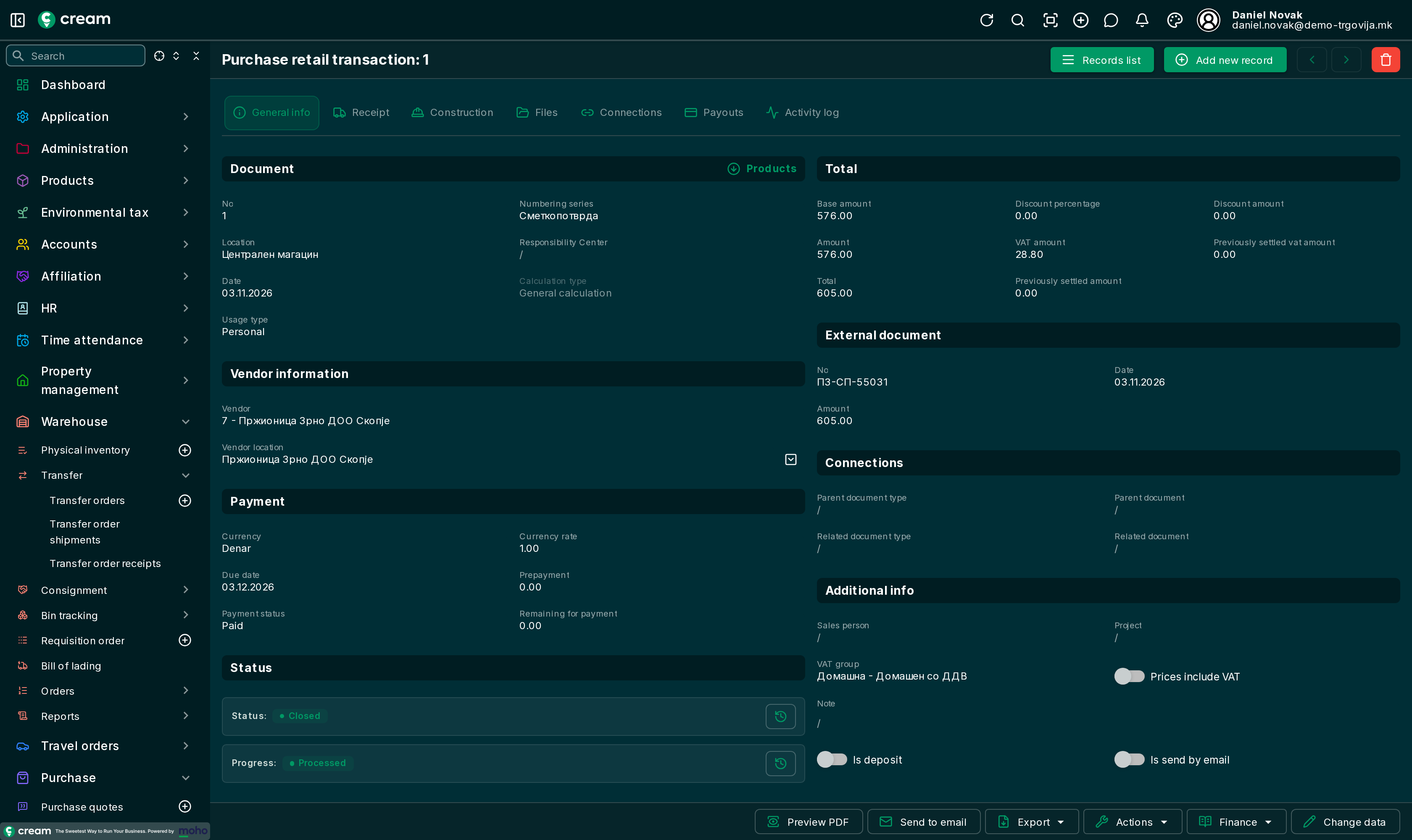
How it's made
- Directly, with Add new record: vendor, External document (the receipt number) and Products.
- From a purchase order, with Next progress > Make a retail transaction.
- From a deposit on an order – see below.
Form
The Payouts tab holds the payouts for the retail transaction – amount and payment method, for example Cash. Is deposit is on when the retail transaction is a deposit on an order. The other tabs: Document list and form.
Statuses
| Status | Meaning |
|---|---|
| Draft, In progress, Pending Approval, Approved | Before processing. |
| Closed | Processed and paid. |
| Canceled, Reversed | Not valid. |
Next status and Next progress
- Approve it with Next status.
- On the Payouts tab, enter the payout and approve it. The approved payouts must add up to the retail transaction's amount.
- With Next progress, choose Process.
If the payouts don't match the amount, the app reports that the document's amount differs from the transaction amount.
Actions and Finance
- Actions: Purchase retail refund transaction – returning the selected lines: Purchase retail refund transaction; Transfer to location, Transfer from location, Clone and Reverse purchase retail transaction.
- Finance: Payouts and the ledgers – VAT, product, service, voucher, deposit and virtual item.
Deposit on an order
With Actions > Deposit on a purchase order, part is paid in advance, per line (Amount for deposit), with a cash-register payment method. The app makes a retail transaction for the deposit, marked Is deposit.
An order with a deposit is then finished with a retail transaction, not with a receipt and invoice: the app reports that the order has a deposit and to proceed with a retail document.