Partial receipts and invoicing
Vendors often don't bring the whole order at once. The order is then received and invoiced in parts, and the rest stays open on the order.
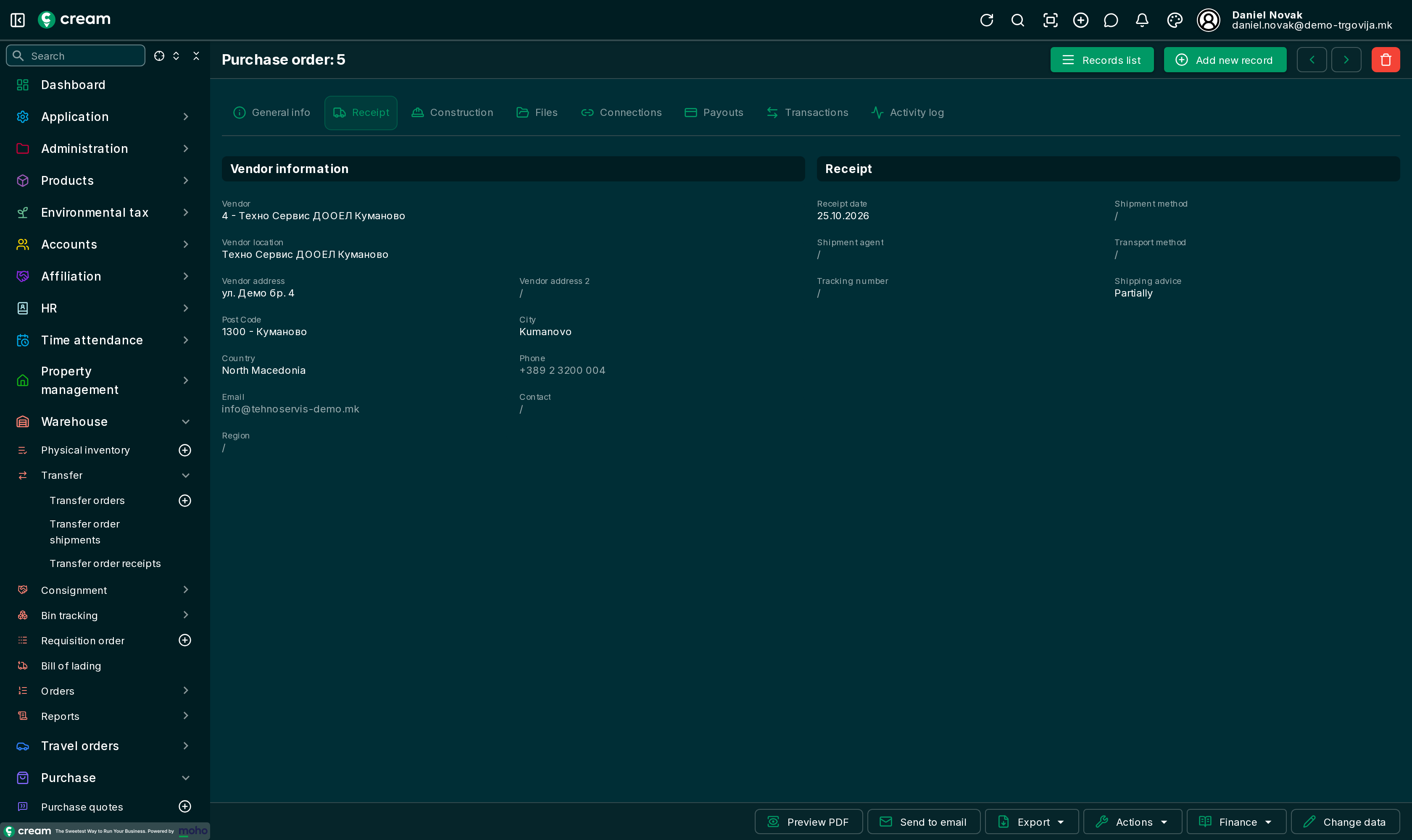
Shipping advice
On the order's Receipt tab, Shipping advice decides how it is processed:
| Shipping advice | Meaning |
|---|---|
| Completely | On approval the whole quantity is made ready to receive and invoice. The line quantities can't be changed. |
| Partially | After approval you enter on each line how much is received and how much is invoiced. |
Enter the delivered quantity
When the order is Approved or Partially Processed, these can be edited on each line:
- Quantity to ship – how much is received now;
- Quantity to invoice – how much is invoiced now.
The buttons above the lines fill them for all lines at once:
| Button | What it does |
|---|---|
| Ship all remaining | Quantity to ship = everything not received yet. |
| Invoice all shipped and to ship | Quantity to invoice = received plus what is received now, minus what is already invoiced. |
| Clear quantities to ship and invoice | Sets both quantities back to 0. |
A quantity above what is still open is refused.
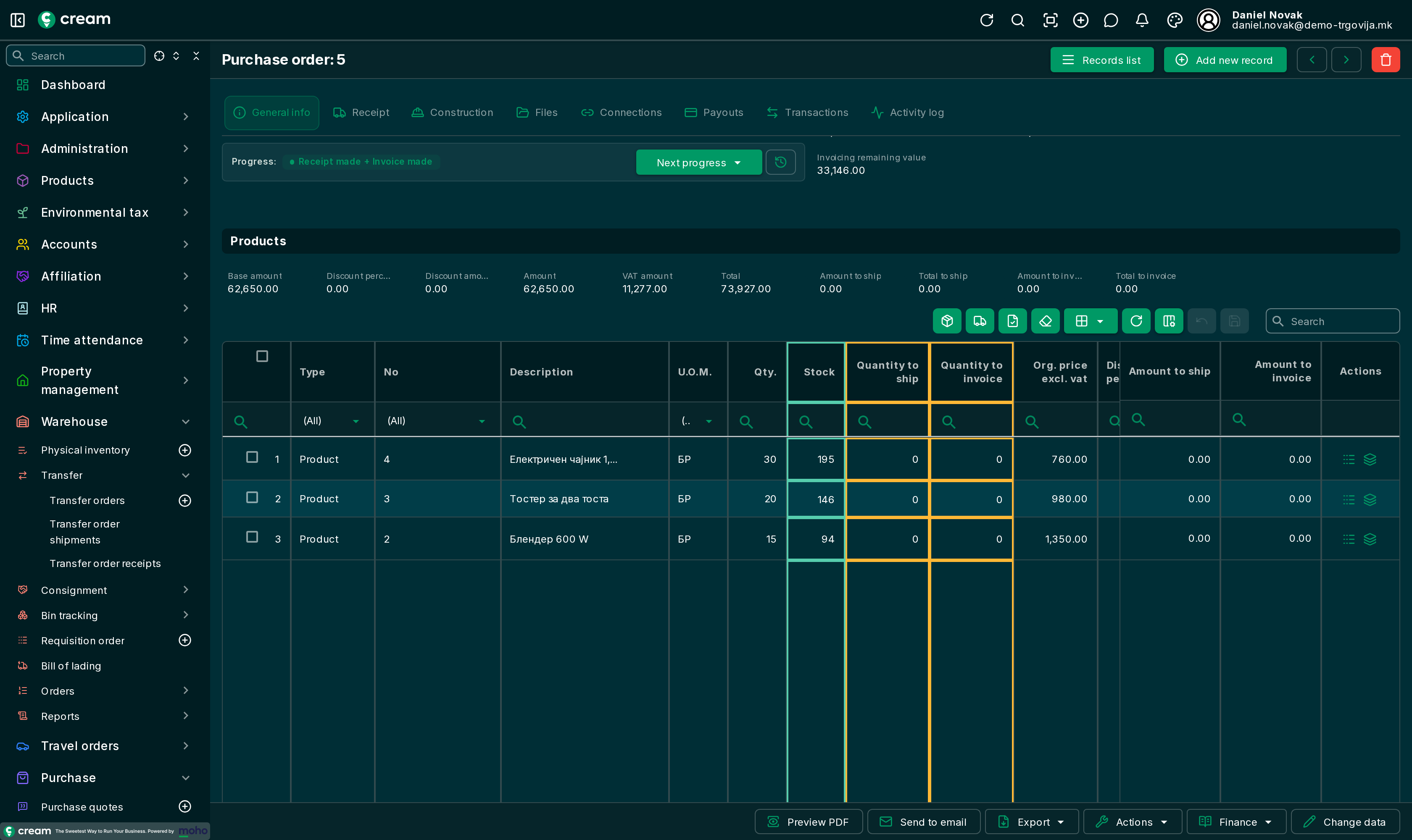
Then, with Next progress, choose the action, for example Make a receipt + Make an invoice. The receipt and invoice are made for the entered quantities only. In the confirmation dialog, in the External document section, enter the data of the vendor's delivery note and invoice for that part: The confirmation dialog.