Sales – overview
The sales process takes documents from the first quote to the customer through to delivering the goods and invoicing. All sales documents are in the menu.
Document flow
- Sales quote – the prices and quantities you offer the customer.
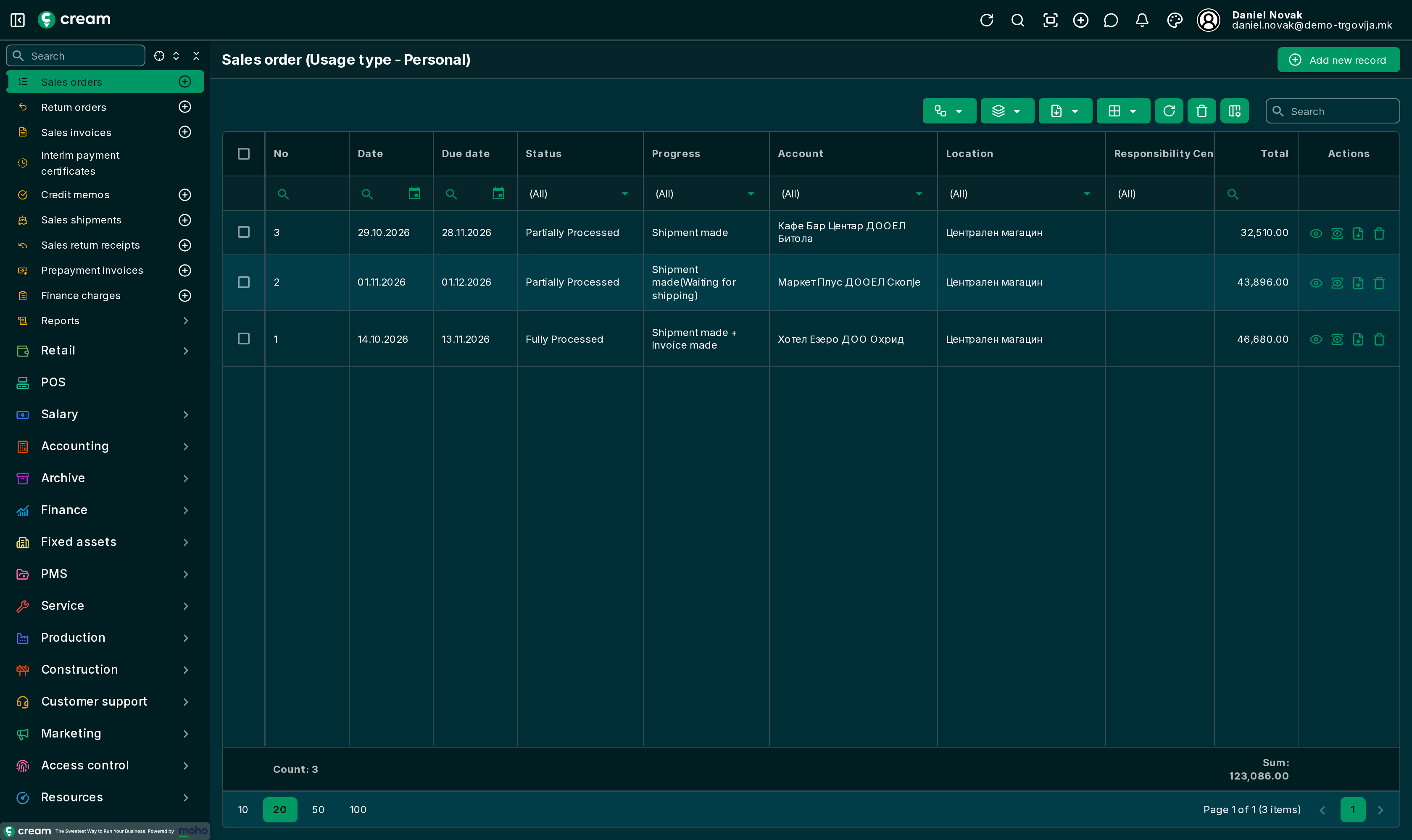
- Sales order – the agreed sale. Made from an accepted quote or directly.
- Sales shipment – the goods leave the warehouse.
- Sales invoice – what the customer owes. Made from the order, from the shipment or directly.
Any step can be skipped: for example, an invoice with a shipment can be made directly, without a quote or an order. Every document made from another keeps the link to it, so you can move from document to document along the whole flow.
Payment
Customer payments are recorded on the bank statement and linked to the invoices: Bank statements and payments.
Statuses
Quotes and orders go through approval: Draft → (In progress / Pending Approval) → Approved. The next documents are made from the approved quote or order.
| Document | Statuses after approval |
|---|---|
| Sales quote | Closed ordered (an order was made), Closed contracted (a contract was made), Canceled, Expired |
| Sales order | Partially Processed, Fully Processed (everything shipped and invoiced), Canceled, Expired, Reversed |
| Sales shipment | Waiting for shipping, Shipped (goods shipped, no invoice yet), Closed (shipped and invoiced), Reversed |
| Sales invoice | Processed(Waiting for shipping), Closed (processed and shipped), Posted, Reversed |
Other sales documents
The same menu also has sales opportunities, sales contracts, prepayment invoices, credit memos, return orders and finance charges. They will be described on their own pages.