Quotes and orders
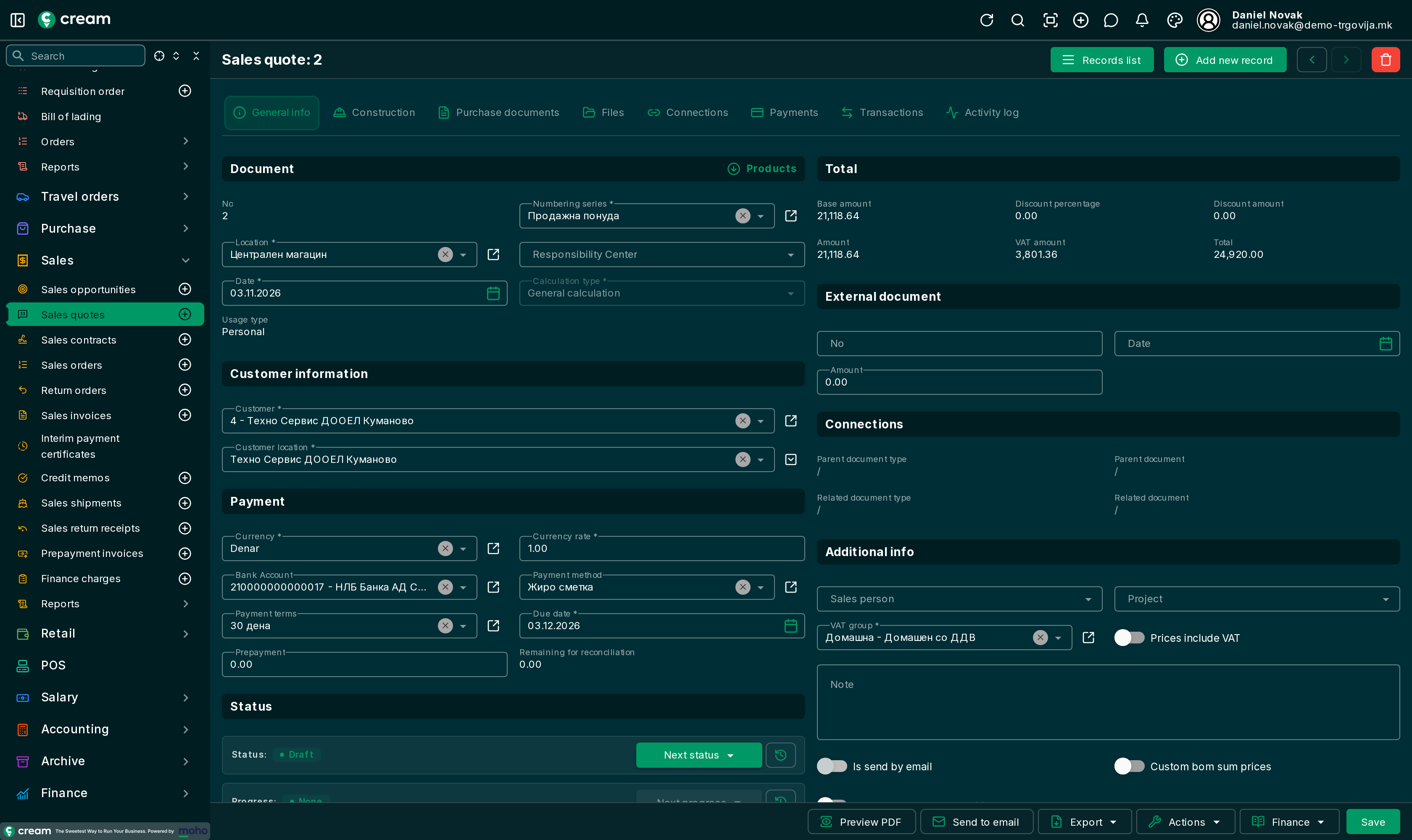
1. Create a quote
- Open and click Add new record.
- Select the customer. The address, payment terms and currency are filled in from the customer's card.
- With Products, add the products and quantities. Prices come from the product and can be changed.
- Save.
2. Approve it and make an order
With Next status, choose Approved. Then, with Next progress, choose:
- Make an order – a sales order is created with the same lines, and the quote moves to Closed ordered.
- Make a contract – a sales contract is created, and the quote moves to Closed contracted.
An order can also be created directly, from .
3. Approve the order
With the order's Next status, choose Approved. On approval the app checks:
- Lines – the order must have lines.
- Credit limit – if the customer has a credit limit, their exposure together with this order must not exceed it. If it does, approval is refused with a message saying by how much. A user with permission to override the customer credit limit can still approve, and the app records that. A limit of 0 means no check.
- Shipping advice – with Completely, the whole quantity is prepared for shipping and invoicing at once.
4. Process the order
From the approved order, with Next progress, choose what happens next:
| Action | What it does |
|---|---|
| Make a shipment | Creates a shipment and ships the goods. |
| Make a shipment(Wait for shipping) | Creates a shipment in Waiting for shipping. The goods ship later, from the shipment. |
| Make an invoice | Creates an invoice and processes it right away. |
| Make a shipment + Make an invoice | Shipment and invoice in one step. |
| Make a shipment(Wait for shipping) + Make an invoice | The invoice is processed, the goods wait to leave. |
The order is Partially Processed while anything is not yet shipped or invoiced, and Fully Processed once everything is done. It is then locked.
Closing early and canceling
- A partially processed order can be closed by hand as Fully Processed. The unshipped remainder stays visible on the lines.
- An order can be canceled or can expire. It is then locked.