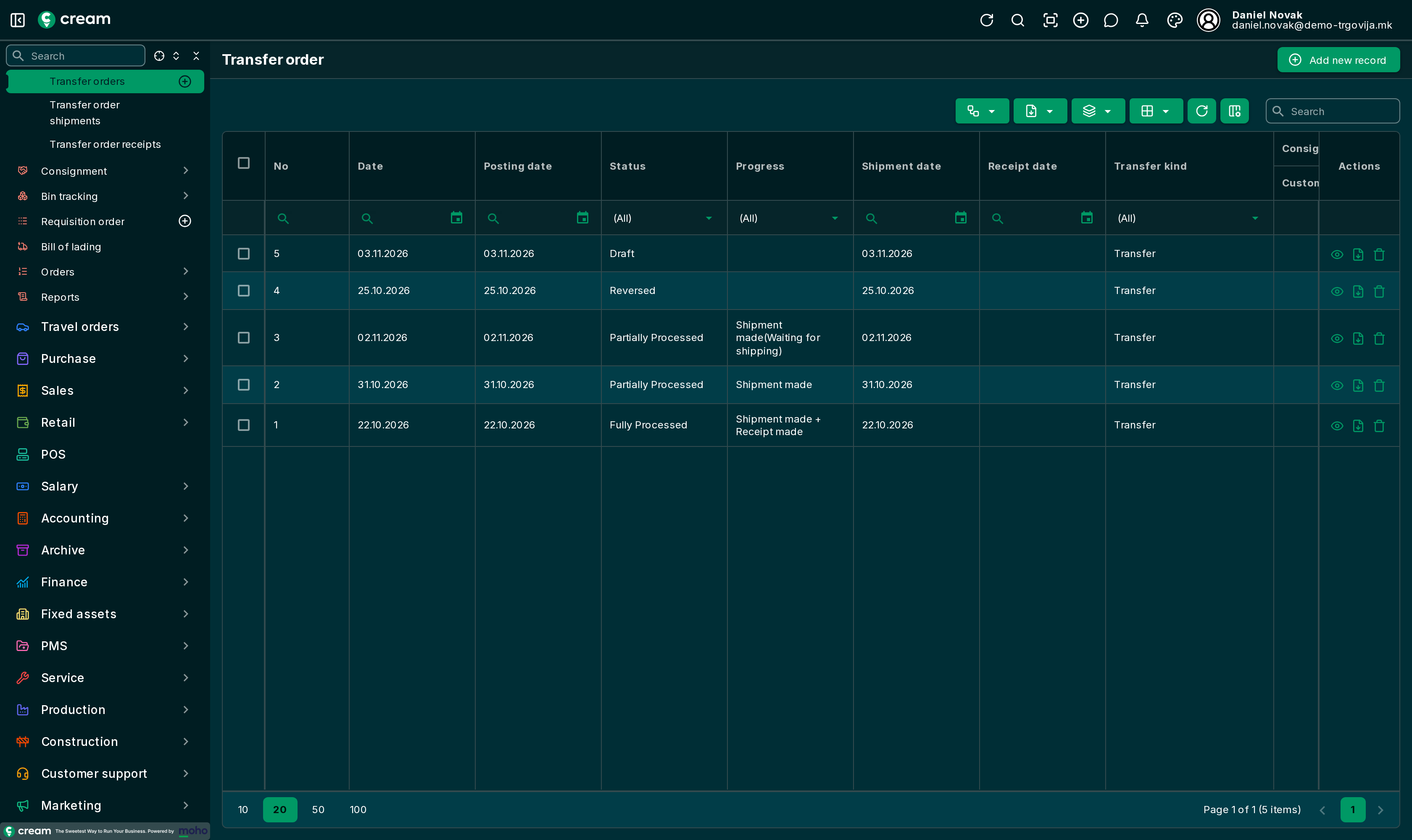
Transfer orders – overview
A transfer order plans and records moving goods from one of your own locations to another, for example from the central warehouse to a store.
The menu is .
Documents in the process
A transfer consists of three documents:
- Transfer order – the plan: from which location, to which location, and which products and quantities.
- Transfer order shipment – the goods leave the source location (From location).
- Transfer order receipt – the goods arrive at the destination location (To location).
Shipments and receipts are made from the transfer order. One transfer order can have several shipments and receipts if the goods move in parts. Both lists are in the menu under and .
Direct and two-step transfers
| Direct transfer | Two-step transfer | |
|---|---|---|
| When to use | Locations are close and goods arrive right away | Goods travel (truck, another city) and are received later |
| Where the goods are between shipping and receiving | There is no "in between" | At the transit location |
| Setting | Direct transfer switched on (default) | Direct transfer switched off and a Transit location selected |
More on two-step transfers: Transfer through a transit location.
Transfer order statuses
| Status | Meaning |
|---|---|
| Draft | The transfer order is being prepared and can be changed freely. |
| In progress / Pending Approval | Optional steps before approval. |
| Approved | The plan is confirmed. Shipments and receipts are made from here. |
| Partially Processed | Some quantities have been shipped or received. |
| Fully Processed | Everything is shipped and received (or the order was closed by hand). The document is locked. |
| Posted | Posted to the general ledger through a posting journal. |
| Canceled / Expired | The plan will not be carried out. |
| Reversed | Its effect has been undone. See Correction and reversal. |
Shipments and receipts have their own statuses: Waiting for shipping / Waiting for delivery, Closed and Reversed.
Special kinds of transfers
The same document is used for consignment (fill-up and pick-up at a customer, receipt and return at a supplier). Those are described in the consignment section. Some consignment transfers are made only by the system, together with their sales or purchase document, and can't be created, cloned or reversed by hand.
Reports
- – goods shipped but not yet received in two-step transfers, with the number of days in transit.
- – all completed transfers.